RoPro v1.7.1 is live.
Bug fixes and performance improvements across the extension. Click View Changes to see what's new.
Made by Robloxians,
for Robloxians.
Feature availability may change as Roblox updates its platform.
Shows ping directly in the server list.
Helps estimate connection quality before joining.
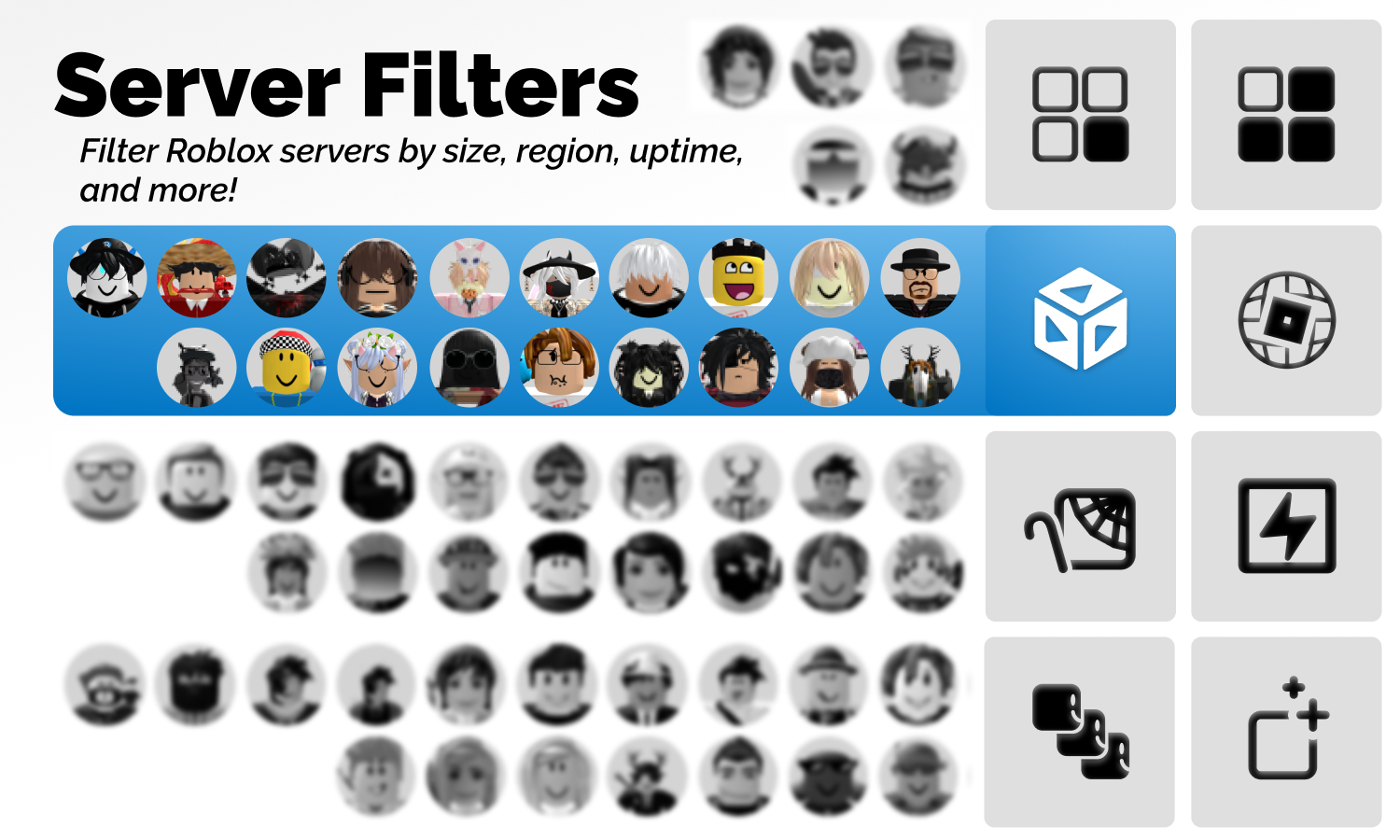
Adds best-connection sorting in server filters.
Lets you surface lower-latency servers faster.
Adjust RoPro theme hue, saturation, and lightness.
Apply your preferred look across supported RoPro surfaces.
Live updates like and dislike counts while experience data refreshes.
Helps spot sentiment shifts without reloading.
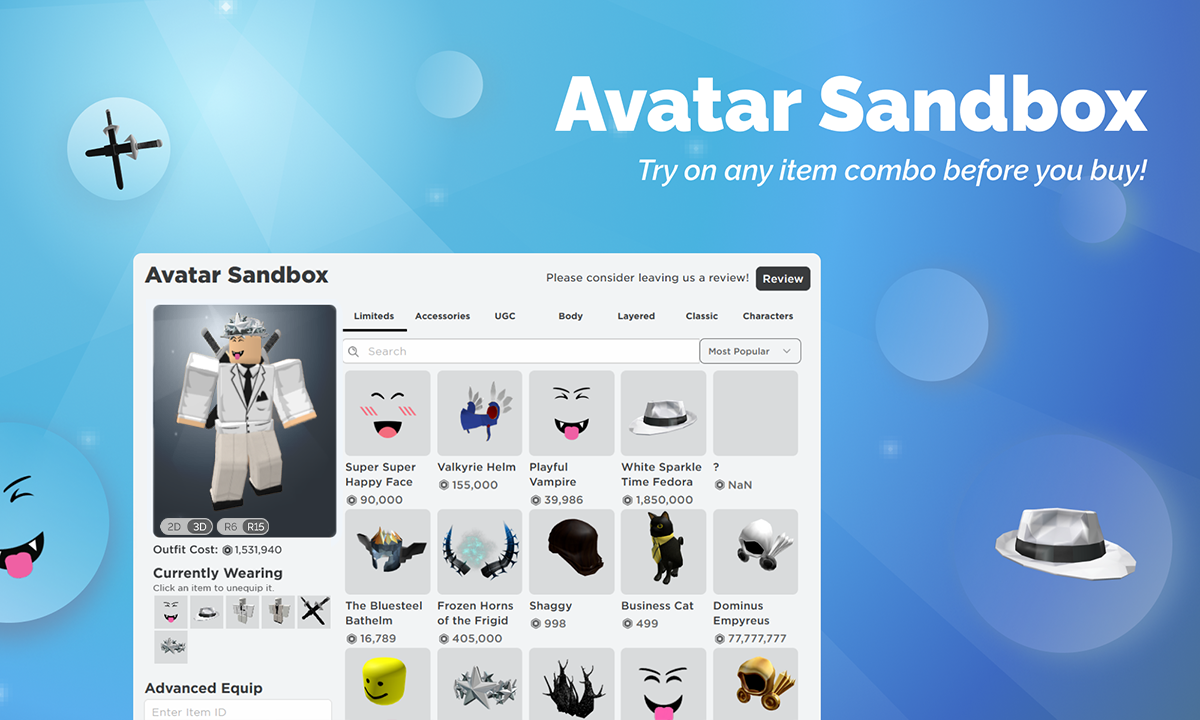
Name and save your sandbox outfits.
Re-open saved builds quickly when testing new combinations.
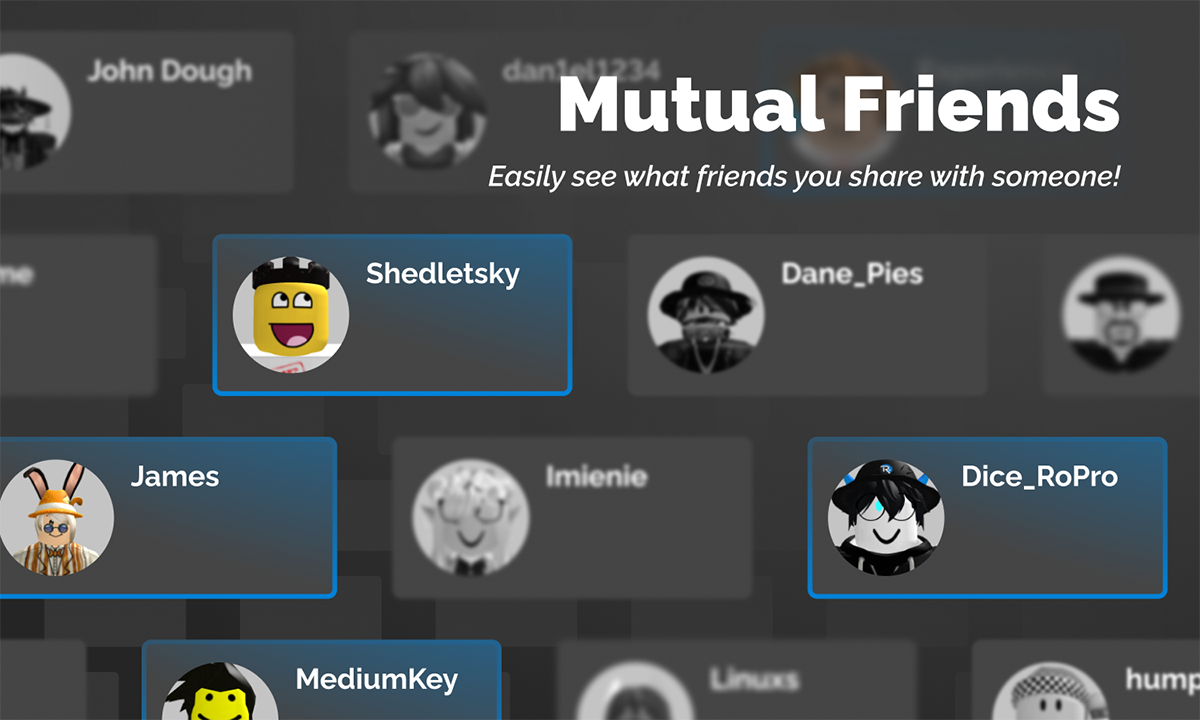
Shows more shared content and overlap with other users.
Extends mutual insight directly on friends surfaces.
View RoPro Trade Board listings on the custom /board/ page.
Use filter tools to narrow posts and find matching offers faster.
Adds quick trading actions directly inside the trade window.
Includes bulk decline/cancel actions and faster trading workflows.
Adds a compact item info card in trades with charts and recent item context.
Available for RoPro Plus and RoPro Rex users.
Calculates total trade value and demand in real-time in trades and the trade window.
Updates totals immediately as either side changes.
Sends desktop alerts for inbound and outbound trades.
Includes value context and quick decline or cancel actions.
Adds a quick dropdown list of your limiteds in trade search.
Click an item to instantly filter matching trade rows.
Shows a win/loss value preview for each trade row.
Helps prioritize which trades to review first.
View total limited value on profiles.
Use direct Rolimons context for faster profile evaluation.
Quickly visit item pages by acronym or partial name search.
Speeds up trading and value checks directly from navbar search.
Post listings on Trade Board and use expanded offer workflows.
Includes the Rex Trade Board More Options toolset.
Calculates total post value directly on Trade Board listings.
Makes offer comparison faster with immediate value context.
Adds advanced Trade Panel automation controls for RoPro Rex.
Includes threshold automation, projected filtering, and faster inbound cleanup actions.
Adds more Trade Board options, including adding your own items directly in the flow.
Lets you add wishlist items and other offer options from the same panel.
Automatically declines bad inbound trades.
Uses your configured thresholds so lower-value trades are filtered quickly.
Monitors your outbound trades for bad trades and automatically cancels them.
Useful for users worried about their account being compromised.
SSI is a simple server-side scripting language used primary to reuse code across multiple web pages. For example, a developer might use SSI to inject a universal header, footer, or navigation menu into every page without duplicating the HTML code. A typical SSI directive looks like this: Use code with caution.
Then, in your main HTML file, you can include the header.shtml file using the following syntax:
Restrict access to trusted local networks or use a VPN.
If you have inherited a system that requires .shtml for legacy reasons, follow these steps to ensure the patch remains effective:
Unpatched systems might reveal server-side directory structures or sensitive environment variables to unauthorized users. How to View and Verify Patched Status view shtml patched
<h3>Server Environment:</h3> <pre> <!--#echo var="SERVER_NAME" --> <!--#echo var="SERVER_SOFTWARE" --> <!--#echo var="DATE_LOCAL" --> </pre>
Automatically detects and suggests fixes for broken include paths that typically fail in standard browsers. 3. Enhanced Security & Sanitization (The "Patch")
The View SHTML patched module offers several benefits:
(Checks if the server renders the local time). SSI is a simple server-side scripting language used
The "patched" aspect specifically addresses vulnerabilities common in SSI, such as Server-Side Request Forgery (SSRF) or malicious code execution. Output Sanitization: Uses tools like
Please update your server configuration to the latest version [Version Number] immediately to ensure your environment is protected.
The server is configured to prevent commands, which are the most dangerous, as they allow running system commands.
: Restrict administrative camera viewing to clients connected via encrypted tunnels like WireGuard or OpenVPN. If you want to secure specific hardware, tell me: The manufacturer brand of your network hardware Whether the device is publicly accessible or internal only Your current firmware update schedule Then, in your main HTML file, you can include the header
The <!--#directive--> syntax is used to indicate the start of a server-side include.
Look for IncludesNOEXEC . If you see Includes (without NOEXEC ), the server is vulnerable.
If you'd like to check if your server is properly configured, I can help you: to secure SSI Explain how to test for SSI vulnerabilities Compare Apache and Nginx methods for handling includes
Nginx handles SSI differently through its ssi module. Ensure ssi_silent_errors is turned on so error messages don't leak internal server file structures to potential attackers. 2. Conduct Manual Penetration Testing